DuoCamera

Made for iPhone Duo. Works on every iPhone and iPad.

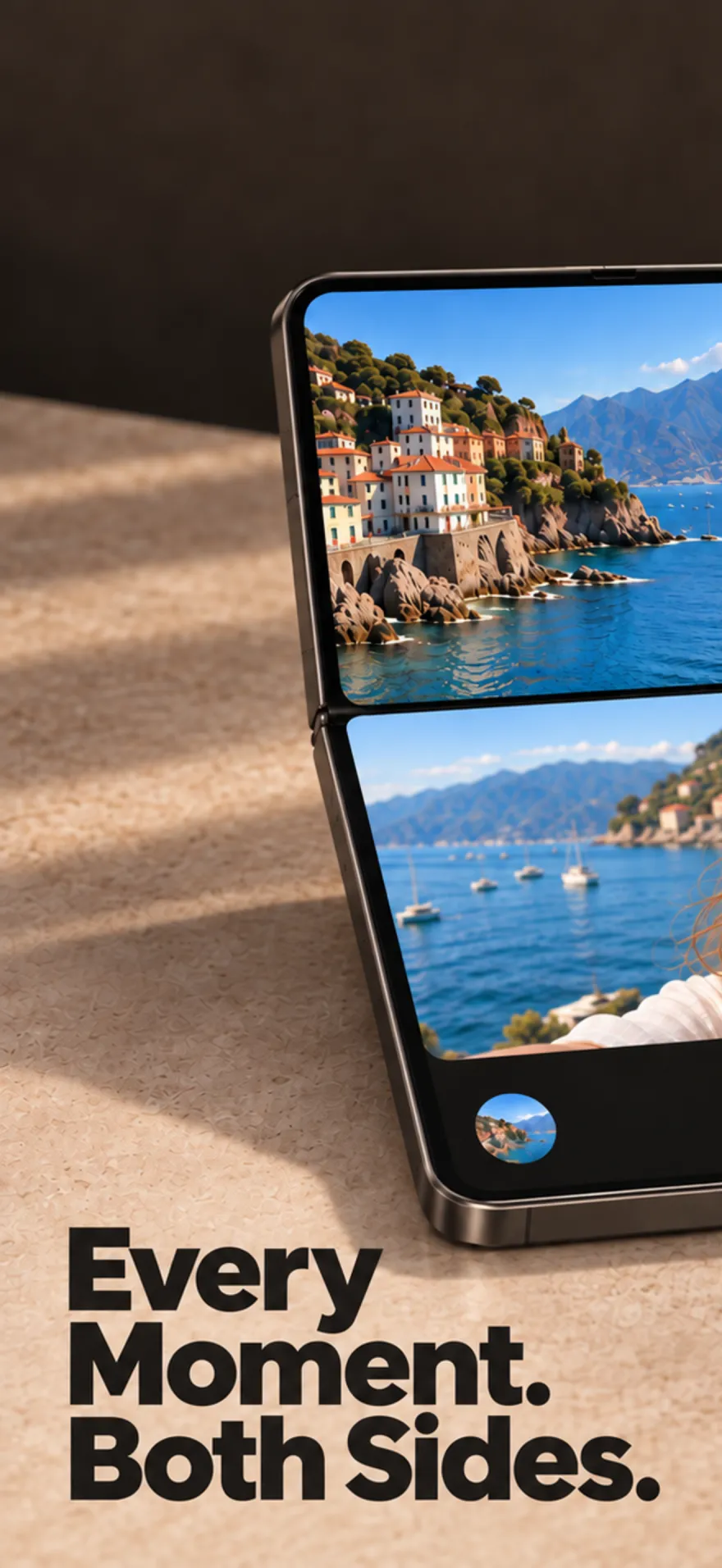
Every moment.
Both sides.

DuoCamera records the front and rear cameras at the same time, so the view and the face watching it end up in one shot.

Download on the App Store

Free to try · 3 captures a day

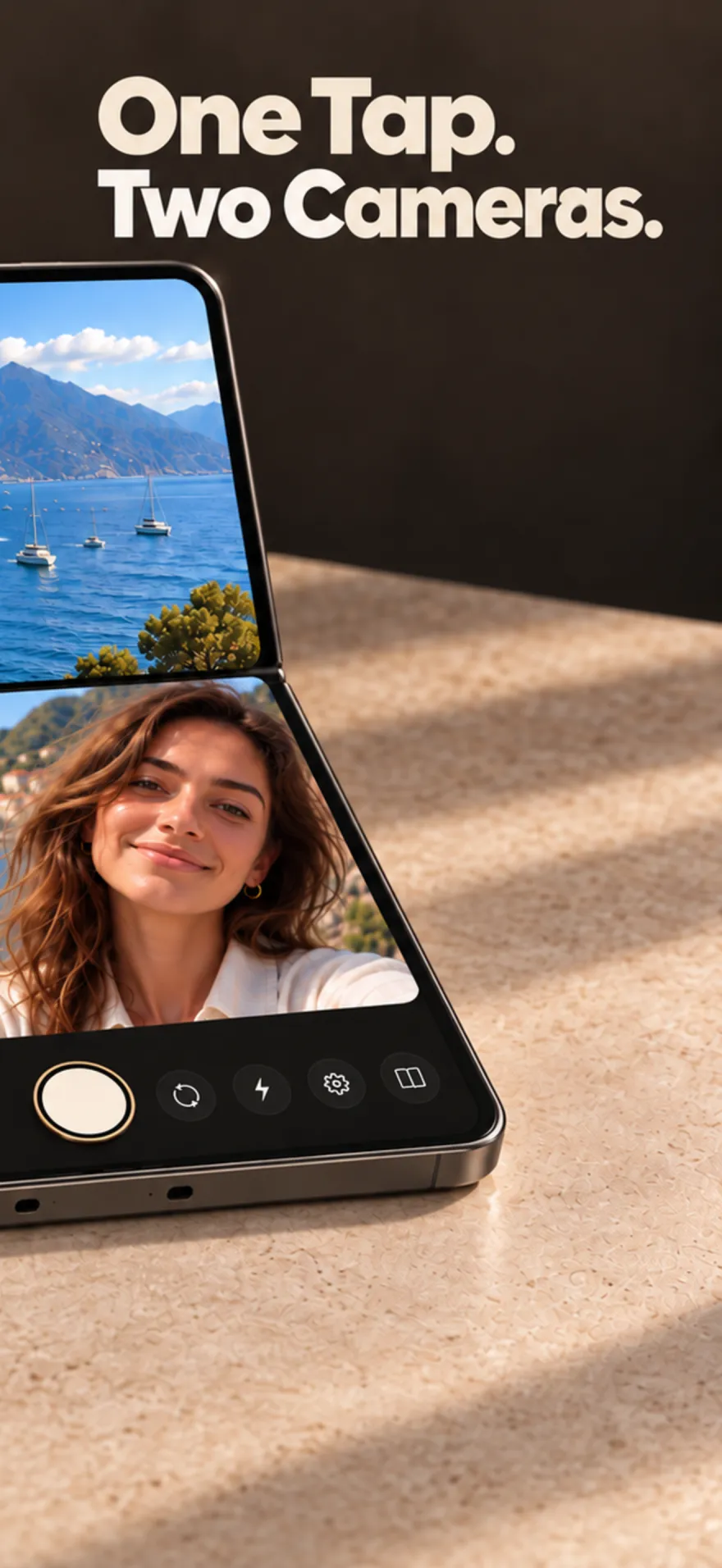
Every moment. Both sides. — a coastal town on the top screen and a smiling selfie below. One tap. Two cameras. — the shutter captures both previews at once.
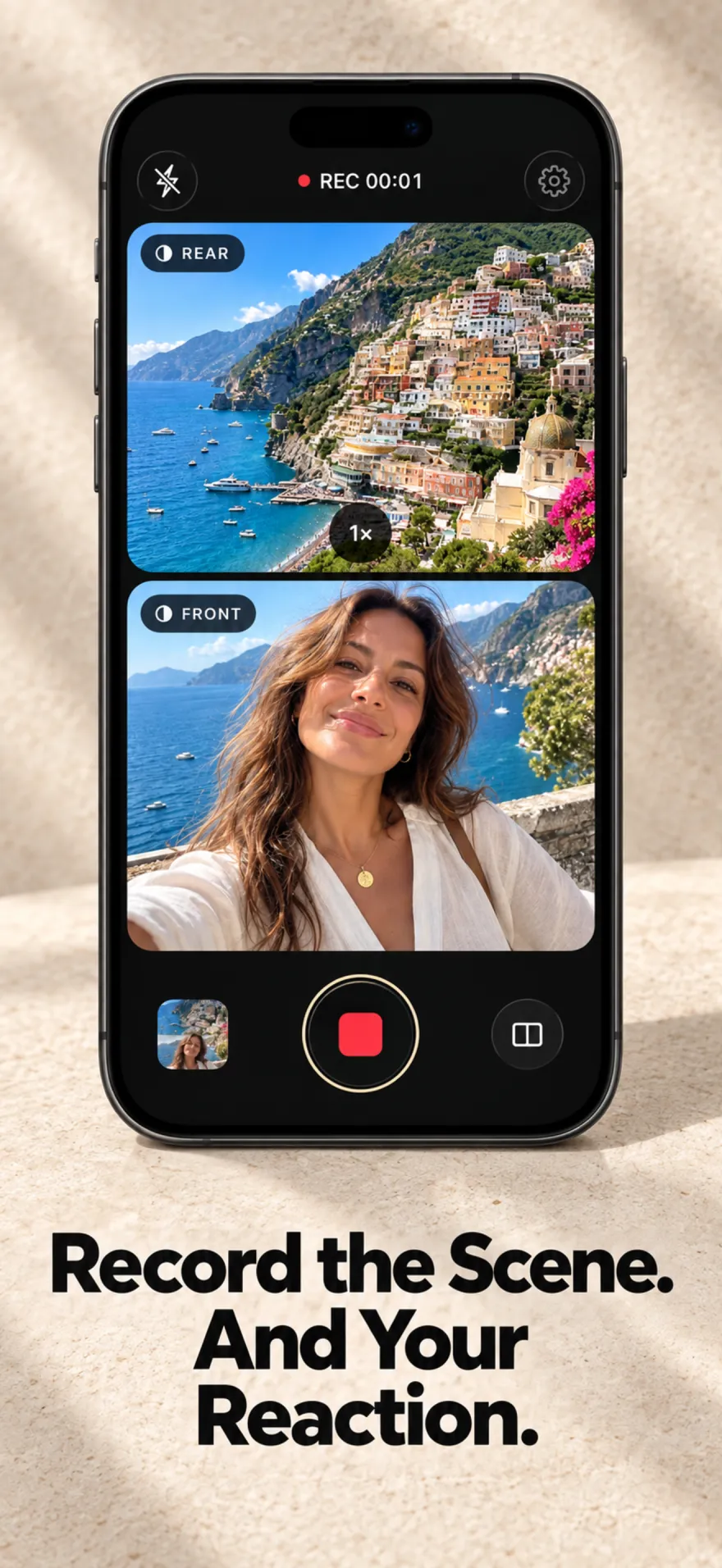
Recording in progress with the rear and front previews stacked.

01 · Video

Record the scene, and your reaction.

Switch to Video and both cameras roll together into a single, synchronized clip. Scene on top, you underneath — the way you'll want to remember it.

  • Photo and Video modes with one shared shutter
  • Swap which camera sits on top in the preview
  • Timer, light and rear zoom within reach
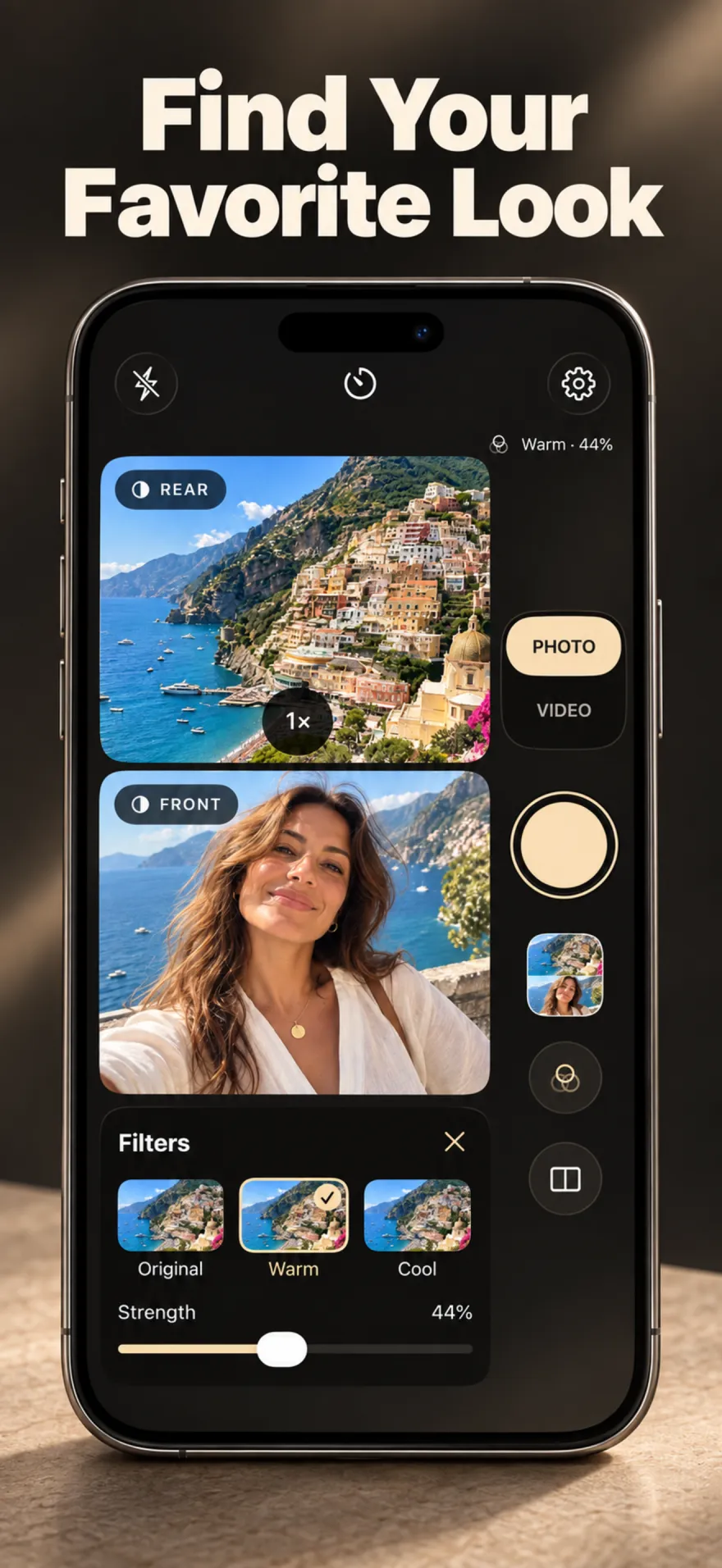
The filter picker open with Warm selected at 44% strength.

02 · Looks

Find your favorite look.

One look, both cameras. Pick a filter, dial in the strength, and see it live on each preview before you shoot. Original is always one tap away.

  • Warm, Cool, Soft, Vivid, Film, Fade and Mono
  • Adjustable strength, applied to photos and video
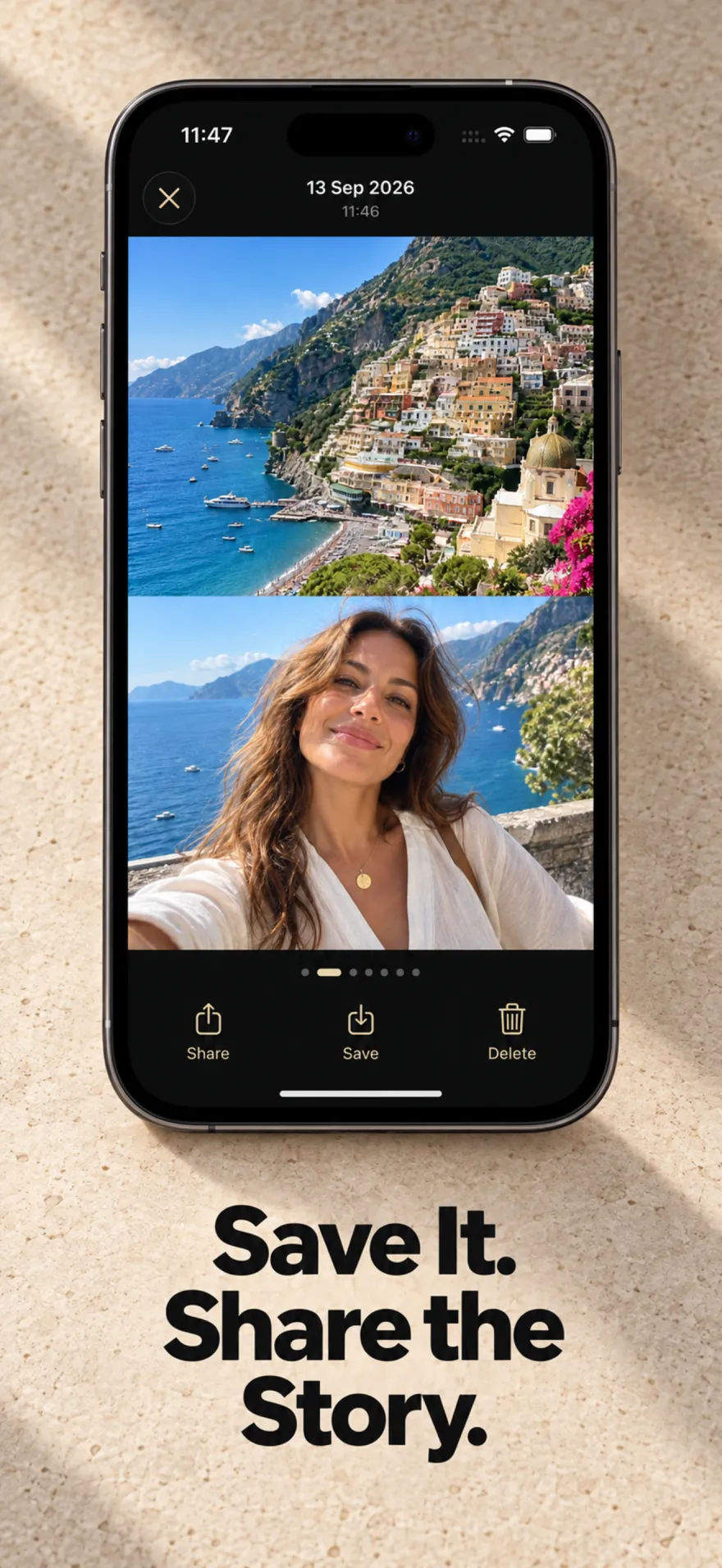
The gallery showing a finished dual capture with Share, Save and Delete.

03 · Gallery

Save it. Share the story.

Swipe through your captures, then save to Photos or send them anywhere with the system share sheet. Full quality, on every plan.

  • Combined image, or front and rear as separate files
  • Captures stay on your iPhone until you save or share

Start free. Go Pro when you're hooked.

Free

$0

  • 3 photos or videos a day
  • Original, Warm and Mono looks
  • Full-quality save and share
  • Small DuoCamera watermark

Pro

Monthly subscription Lifetime one-time purchase

  • Unlimited photos and videos
  • Every look, including Cool, Soft, Vivid, Film and Fade
  • No watermark
  • Night and HDR controls on supported cameras

Questions

Do I need an iPhone Duo?

No. DuoCamera is designed around iPhone Duo's inner and outer displays, but it runs on any iPhone or iPad with iOS 17 or later. Capturing both cameras at once needs hardware that supports simultaneous front and rear cameras (iPhone XS, iPhone XR and newer); other devices use a full-size single camera.

Can I record video with the front and back cameras at the same time?

Yes. In Video mode both cameras record together into one synchronized clip, with the rear view above and the front camera below. Photos work the same way.

Can I save the front and back shots separately?

Yes. By default DuoCamera saves one combined image or video. Turn on “Save front and rear separately” in Settings to get two files instead.

Where are my photos and videos stored?

On your device, inside the app, until you save them to Photos or share them. DuoCamera only asks for add-only Photos access.

What's free, and what does Pro add?

Free includes 3 photos or videos a day, the Original, Warm and Mono looks, and full-quality saving with a small watermark. Pro is available monthly or as a one-time lifetime purchase, and adds unlimited captures, every look, no watermark, and Night and HDR controls on supported cameras.
Both sides of the moment,
in one tap.

Get DuoCamera

Requires an iPhone with simultaneous front and rear camera support for dual capture. Other devices use a single camera.